Applicant Tracking Systems help employers manage applications and can extract information such as skills, education, work history and job titles from resumes.
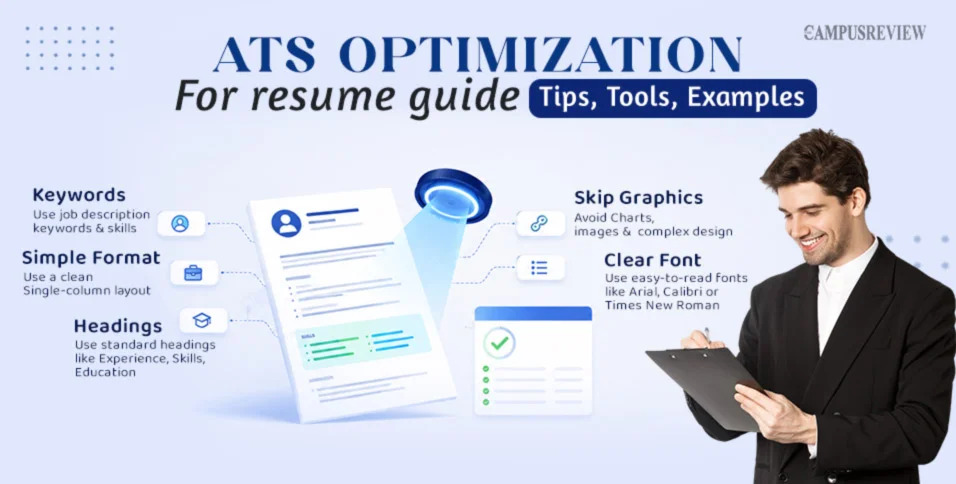
A few formatting and content choices can make a resume easier for these systems to process.
1. Use Standard Headings
Use familiar headings such as:
Summary
Skills
Experience
Education
Certifications
2. Keep the Layout Simple
A single-column resume without unnecessary tables, graphics, charts or text boxes is generally easier to parse.
3. Use Relevant Keywords
Read the job description and identify important skills, qualifications, software, job titles and industry terminology. Include the terms that genuinely match your experience.
4. Add Keywords in Context
Don't simply create a list of keywords. Show how you used the skill.
For example:
Weak:
SEO, Analytics, Reporting
Better:
Used Google Analytics and SEO reporting to monitor organic traffic and identify optimization opportunities.
5. Follow File Requirements
If the employer specifically requests DOCX or PDF, follow those instructions. File compatibility can vary between ATS platforms.
👉 More ATS resume tips:
ATS Optimization — The Campus Review#ATS #ResumeOptimization #JobSearch #ResumeTips #CareerAdvice


 Locked